


Description
Download Microsoft Word Edit Documents APK – document editor, productivity app, writing tool, office suite, mobile document editing, AI writing assistant, PDF converter, collaboration tool, Microsoft 365
Overview
Microsoft Word Edit Documents APK is a mobile productivity application designed to deliver a seamless document editing experience across devices. Built to mirror the functionality of its desktop counterpart, the app enables users to create, read, edit, and share documents on the go. It serves as a versatile office suite, catering to professionals, students, writers, and business users who require reliable document management while away from their primary workstations. The software supports a wide range of document types, including resumes, cover letters, reports, scripts, and notes, allowing users to maintain consistent formatting and layout across platforms. Its integration with Microsoft 365 services enhances its utility, particularly for teams relying on cloud-based collaboration. The app is especially beneficial for individuals who frequently work with dynamic content, such as journalists, project managers, and content creators, needing to access and modify documents in real time. While the developer did not provide detailed background information, the app’s association with Microsoft underscores its credibility and reliability in the productivity space. Real-world usage scenarios include drafting business proposals during travel, editing resumes on a tablet, or reviewing documents during team meetings. The app’s ability to preserve document integrity across devices ensures a consistent and professional output regardless of the platform used.
Key Features & Capabilities
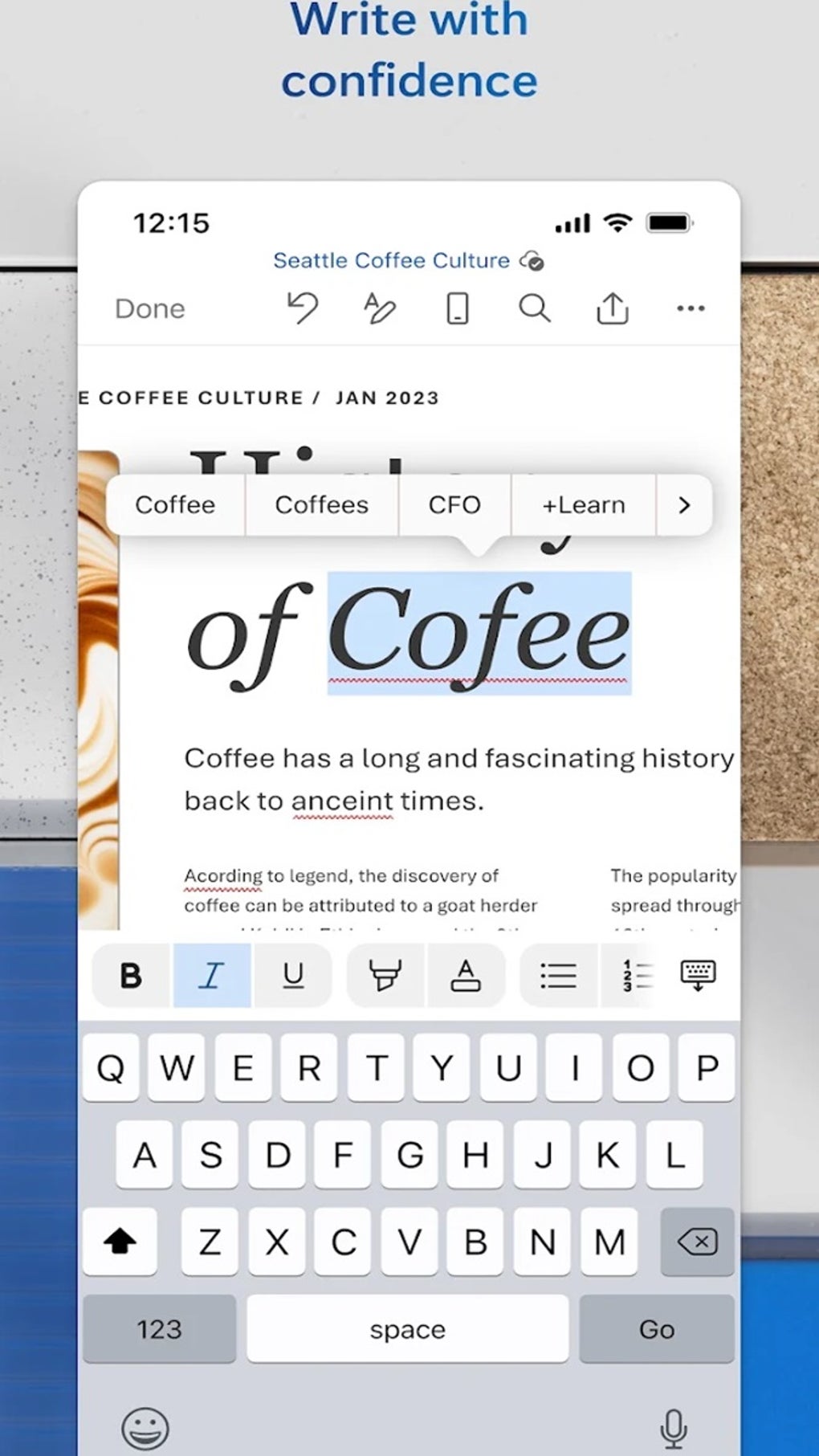
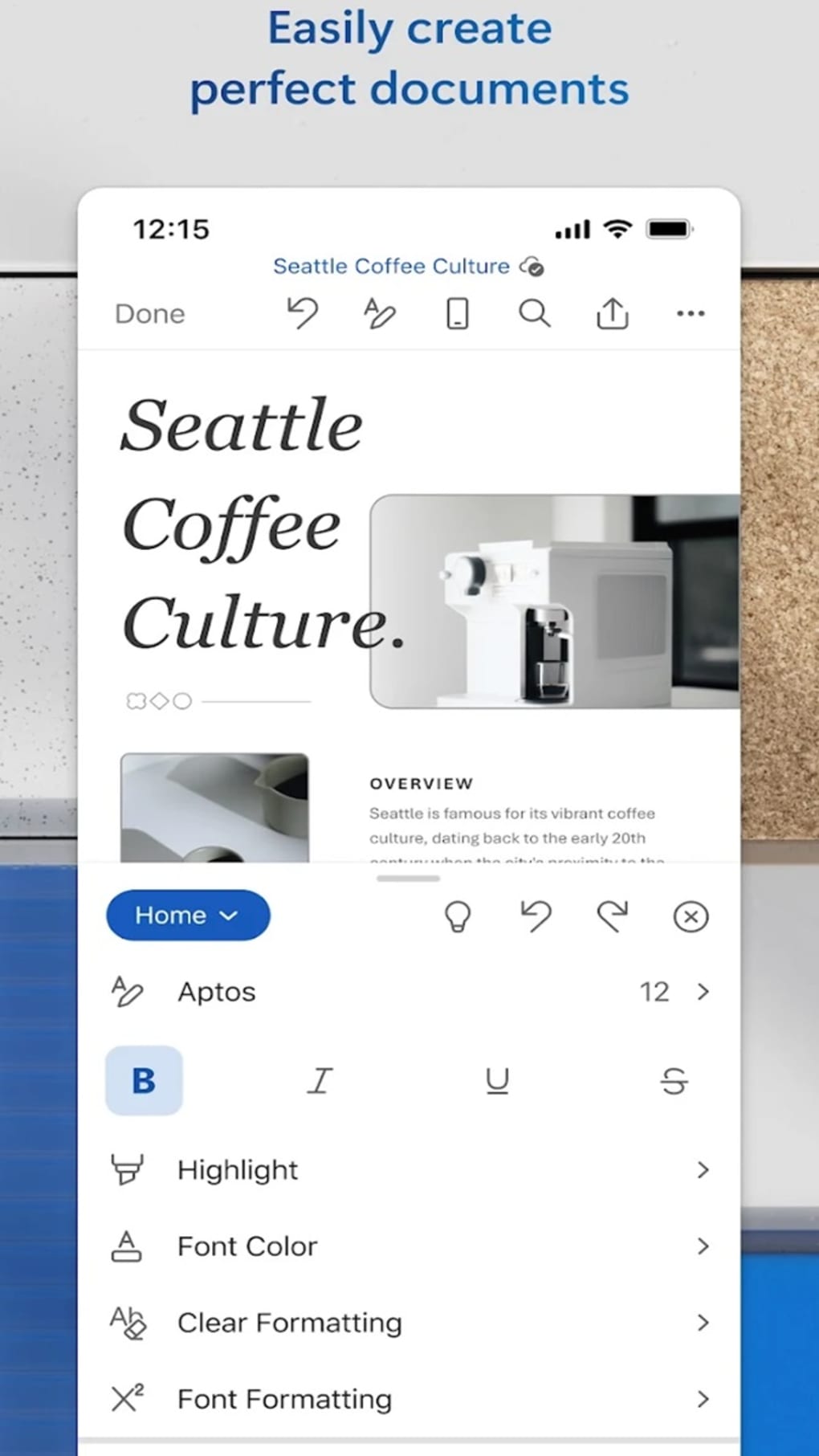
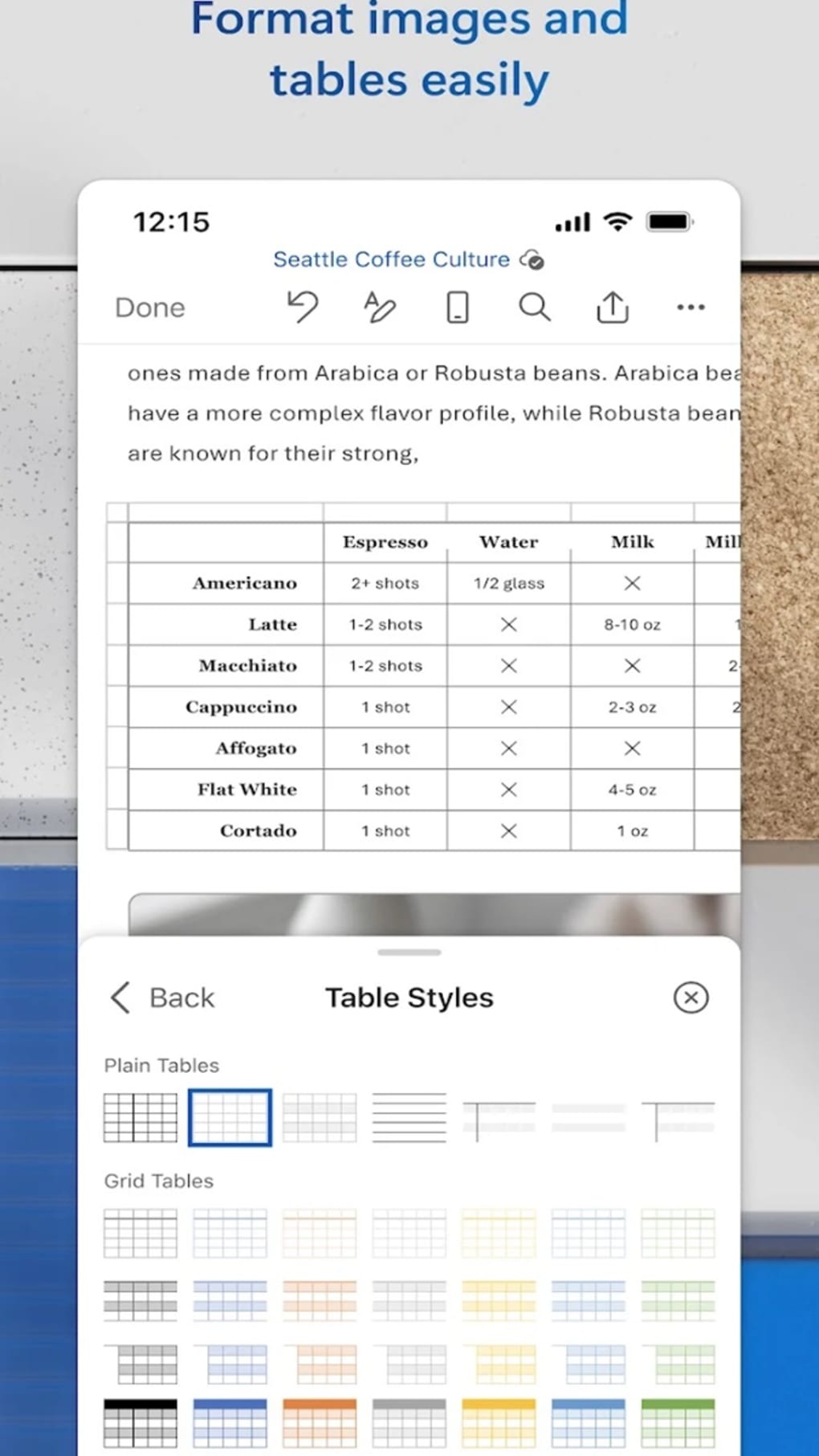
- Document Creation & Editing: Users can generate and modify documents with full formatting support, including fonts, styles, colors, and layout adjustments. This enables the production of polished, publication-ready content from any location.
- Template Library: The app offers a variety of modern templates for resumes, cover letters, business letters, blogs, and more, streamlining the process of starting new projects.
- PDF Conversion & Editing: Documents can be converted to and from PDF format, with the ability to edit PDFs directly within the app, enhancing flexibility for users handling various file types.
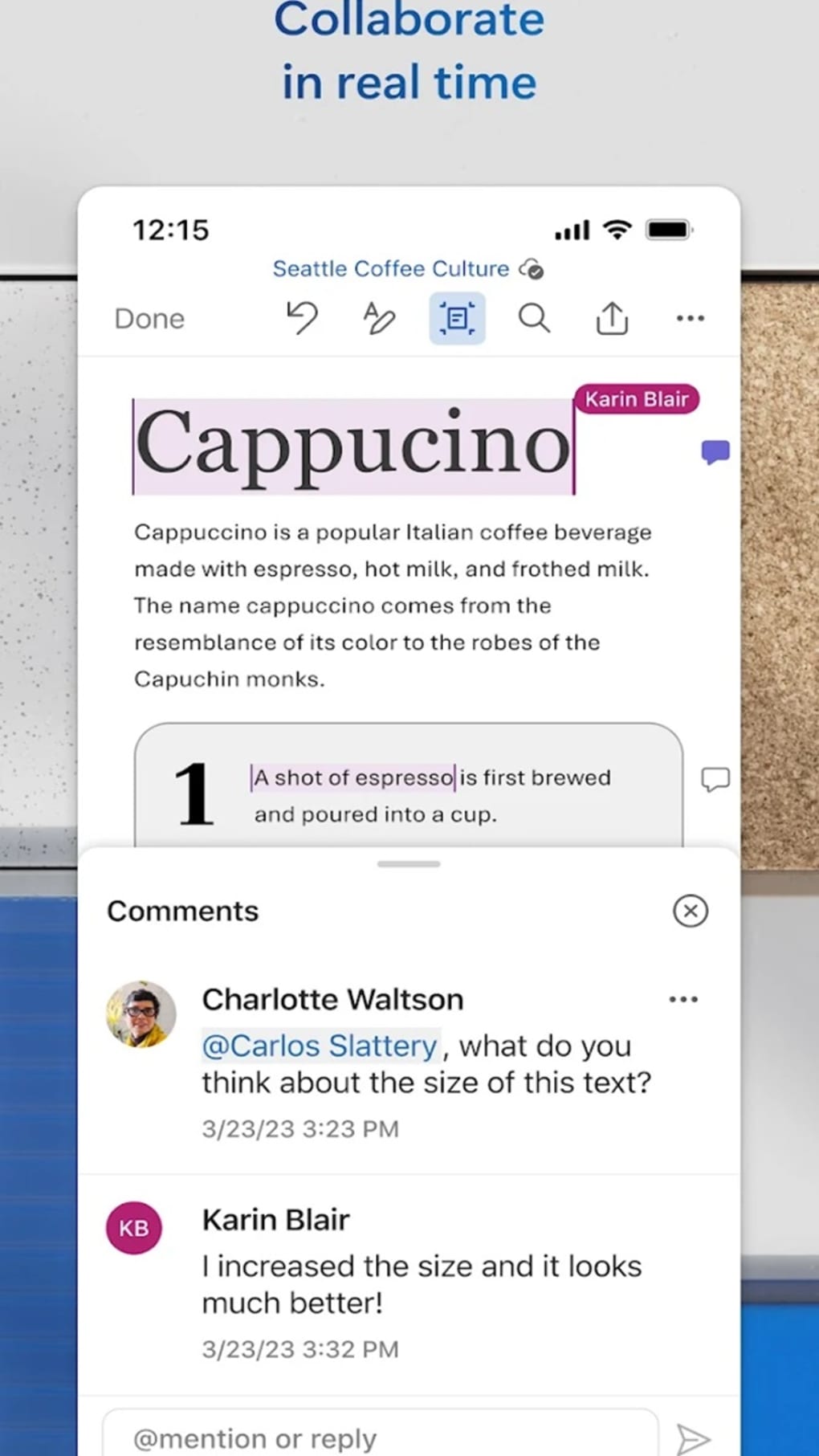
- Real-Time Collaboration: Multiple users can work on the same document simultaneously, with comments, suggestions, and track changes visible in real time, improving team workflow efficiency.
- AI-Powered Writing Assistant (Copilot): Integrated with Microsoft 365 Copilot, the app provides intelligent writing support, including content generation, grammar correction, style enhancement, and text transformation (e.g., converting paragraphs into tables).
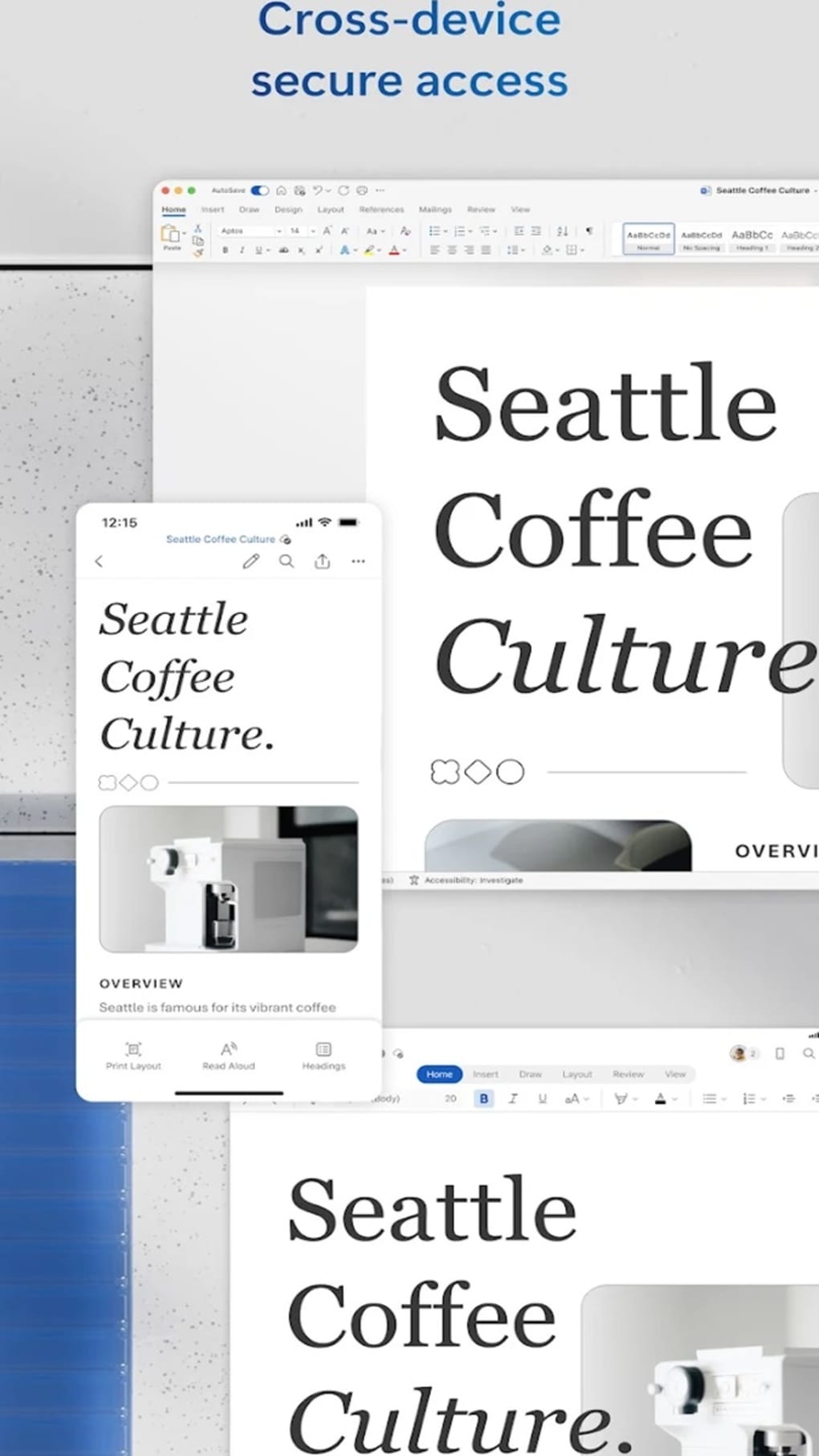
- Cloud Integration: Documents are automatically saved to OneDrive or other cloud storage services, enabling access from any device and ensuring data safety.
- Reading View: A distraction-free reading mode enhances readability, making it ideal for reviewing long-form content on smaller screens.
These features collectively support a dynamic workflow, allowing users to transition smoothly between writing, reviewing, and sharing documents. For example, a journalist can draft an article using a template, refine it with AI suggestions, convert it to PDF for submission, and share it with editors—all within a single app. Similarly, a project manager can collaborate with team members on a status report, receive feedback via comments, and update the document in real time.
User Interface, Workflow & Performance
The user interface of Microsoft Word Edit Documents APK is designed with simplicity and functionality in mind. Navigation is intuitive, with a clean layout that organizes tools into logical sections such as Home, Insert, and Review. The ribbon-style toolbar provides quick access to formatting options, while contextual menus appear when text is selected, reducing the need for deep menu diving. The workflow is streamlined for mobile use, with touch-optimized gestures like tap-to-edit, swipe-to-navigate, and pinch-to-zoom enhancing usability on smaller screens. The app maintains responsiveness during common tasks such as typing, formatting, and saving, suggesting stable performance under normal usage conditions. However, exact performance details were not specified by the developer. Resource usage, including CPU and RAM behavior, remains undisclosed. The developer did not specify resource usage details. Stability appears to be consistent across typical operations, though users may experience delays when handling large files or complex formatting. Overall, the app delivers a smooth experience for everyday document tasks, with minimal lag or crashes reported in standard use cases.
Compatibility & System Requirements
Microsoft Word Edit Documents APK is designed for Android devices and is compatible with smartphones and tablets running Android 8.0 or later. The app is available as a downloadable APK file, allowing installation on devices outside official app stores. The installation size is approximately 1 GB, which may impact devices with limited storage. The developer did not specify exact hardware requirements, such as minimum RAM or processor speed. Compatibility information was partially provided, with the app's functionality confirmed on devices with screens larger than 10.1 inches. However, devices with screens smaller than 10.1 inches require a Microsoft account to be signed in for document creation or editing. This restriction may affect users seeking full functionality on compact devices. No additional OS-specific details were provided, and support for other platforms such as iOS or desktop versions was not addressed in the available information.
Pros and Cons
Pros
- Seamless integration with Microsoft 365 and cloud services
- Extensive library of professional templates
- Powerful AI writing assistant (Copilot) for content generation and editing
- Support for PDF creation and editing
- Real-time collaboration and comment features
- Consistent document formatting across devices
- Distraction-free Reading View for improved focus
Cons
- Requires at least 1 GB of storage space for installation
- Full functionality limited on devices with screens smaller than 10.1 inches
- AI chat content is not saved, limiting reference to past interactions
- Language support may be restricted in certain regions
- Some content types may not render correctly due to compatibility limitations
FAQ Section
Is Microsoft Word Edit Documents APK compatible with all Android devices?
The app is compatible with Android 8.0 and later. However, full functionality may be restricted on devices with screens smaller than 10.1 inches, which require a Microsoft account for document creation and editing.
Is the app secure to download and use?
As a Microsoft-branded application, the app is considered secure. However, users should only download the APK from trusted sources to avoid potential risks. Always verify the file integrity before installation.
Does the app support offline document editing?
Yes, documents can be edited offline. Changes are synchronized with the cloud once an internet connection is restored, provided the user is signed in to their Microsoft account.
What type of license does Microsoft Word Edit Documents APK use?
The app is available as a free download with optional premium features through Microsoft 365 subscriptions. The core editing functions are accessible without a paid plan.
Can I use this app without a Microsoft account?
Basic viewing and limited editing are possible without a Microsoft account. However, creating or editing documents on devices with screens smaller than 10.1 inches requires a Microsoft account to be signed in.
Final Thoughts + CTA
Microsoft Word Edit Documents APK stands out as a robust and versatile mobile document editor, combining powerful features with seamless cloud integration. Its AI writing assistant, extensive template library, and real-time collaboration tools make it an essential productivity tool for professionals and students alike. While storage demands and screen-size limitations present minor constraints, the app’s overall functionality, consistency, and reliability justify its position as a top choice in mobile office software. For users seeking a professional-grade document editor that works across devices and supports dynamic content creation, this app delivers a compelling experience. Download Microsoft Word Edit Documents APK now to take your writing and editing workflow to the next level.
Guides & Tutorials for Microsoft Word Edit Documents APK
How to install Microsoft Word Edit Documents APK
- Click the Preview / Download button above.
- Once redirected, accept the terms and click Install.
- Wait for the Microsoft Word Edit Documents APK download to finish on your device.
How to use Microsoft Word Edit Documents APK
This software is primarily used for its core features described above. Open the app after installation to explore its capabilities.
User Reviews for Microsoft Word Edit Documents APK 0
No reviews found





